![Lumin_logo_header (1).svg]](https://help.luminpdf.com/hubfs/Lumin_logo_header%20(1).svg)
-
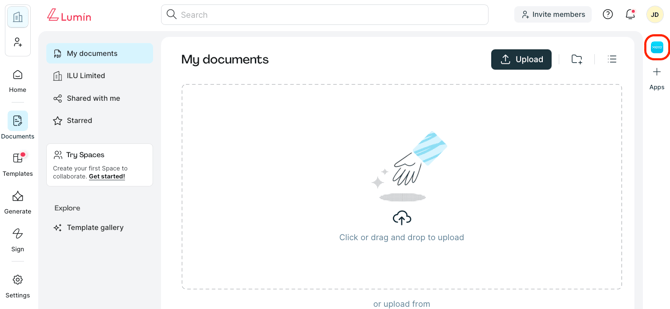
From the Lumin home page, head to Documents.
-
Click the Xero mini app.
-
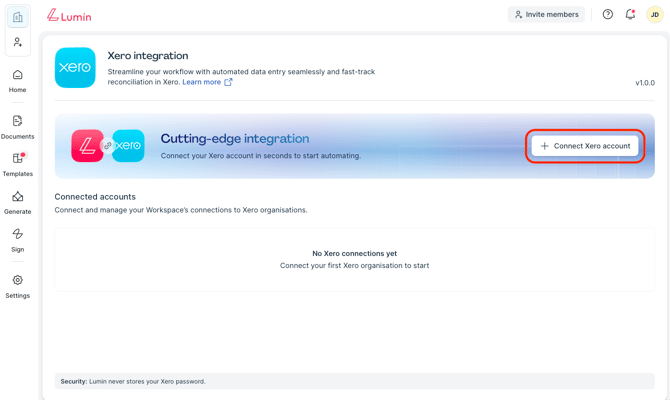
Select Connect Xero account.
-
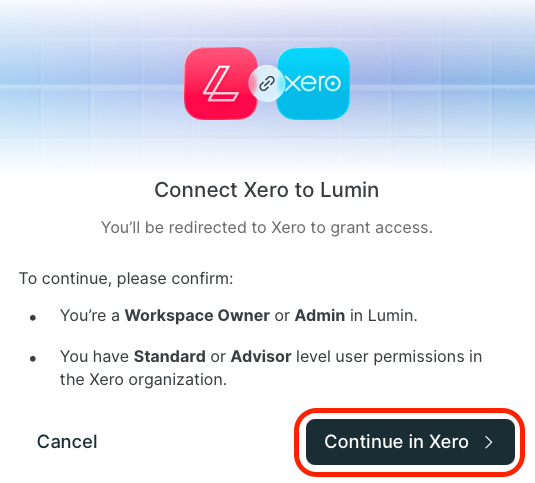
Then, confirm by selecting Continue in Xero.
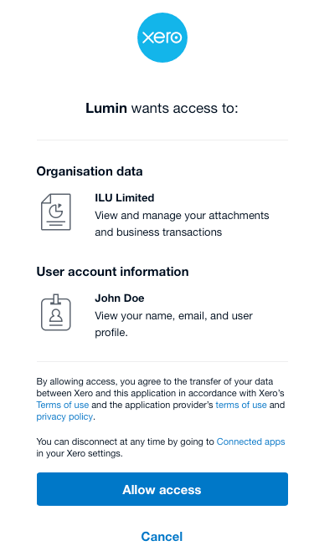
- Review the permissions required to activate the integration. Then, click Allow access.
- Head back to Lumin and refresh your browser.