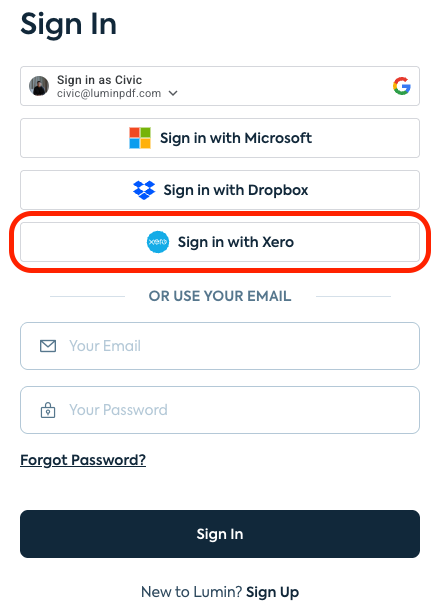
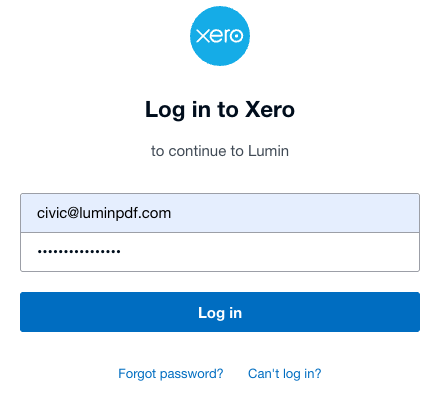
How do I create a Lumin account using my Xero credentials?
Connecting your Xero account to Lumin streamlines your document workflow by allowing you to sign into Lumin with a single click. This integration is perfect for business owners and accountants who want to quickly sign, edit, and sync Xero invoices or quotes without the hassle of managing separate login details.

![Lumin_logo_header (1).svg]](https://help.luminpdf.com/hubfs/Lumin_logo_header%20(1).svg)