![Lumin_logo_header (1).svg]](https://help.luminpdf.com/hubfs/Lumin_logo_header%20(1).svg)
Creating a template
- After creating an agreement using AgreementGen, click More options on the top right corner.
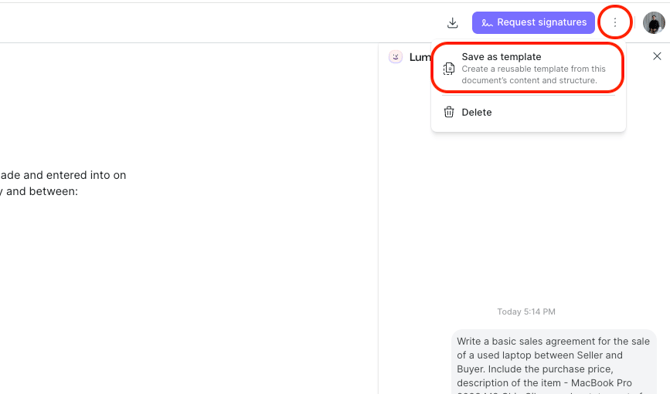
- Then, select Save as template.
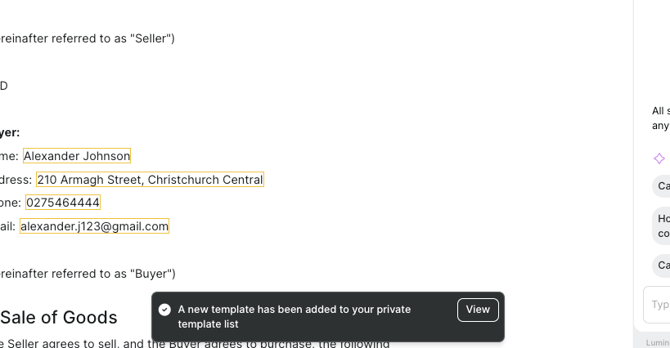
- Select View to open the template. Alternatively, from the AgreementGen app, select My templates.
Using a template
- In the AgreementGen app, head to My templates.
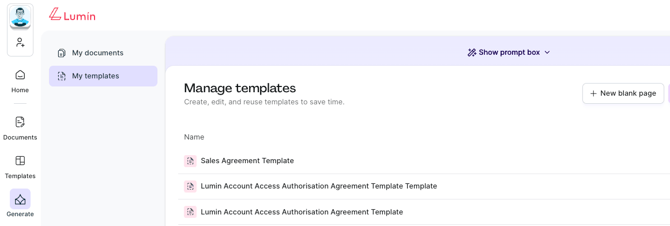
- Open the template in AgreementGen.
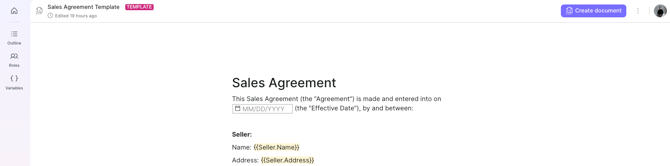
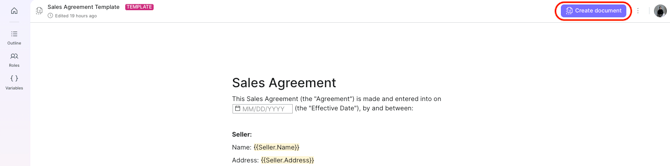
- Then, in the top-right corner, click Create document.
- A copy of this document will be made and can be found in the My documents section in AgreementGen.
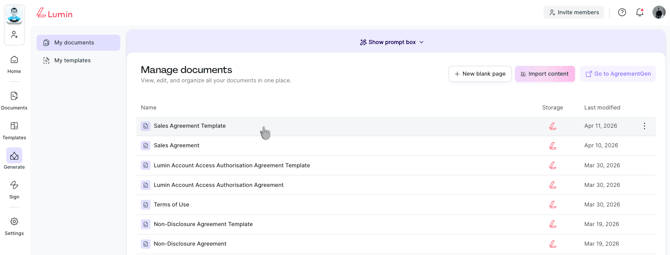
- A copy of this document will be made and can be found in the My documents section in AgreementGen.
- Open the new document and start editing.