![Lumin_logo_header (1).svg]](https://help.luminpdf.com/hubfs/Lumin_logo_header%20(1).svg)
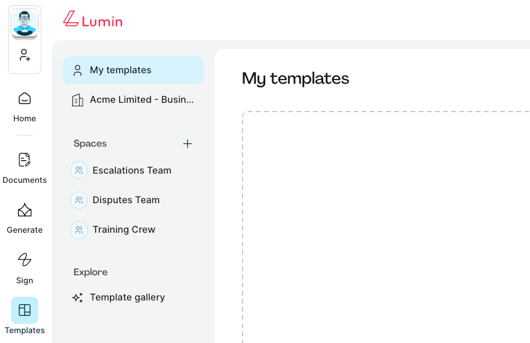
- From the Lumin home page, click Templates from the left-hand menu.
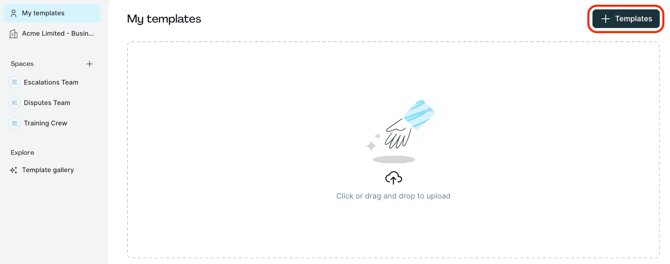
- Upload by clicking + Templates.
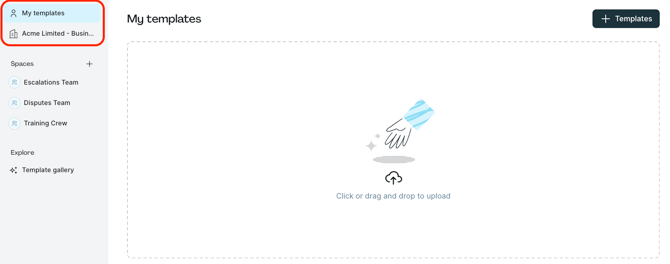
- Upload to My templates to create exclusive templates accessible only by you.
- Upload to Workspace, i.e., Acme Limited, to make templates available to all Workspace members.
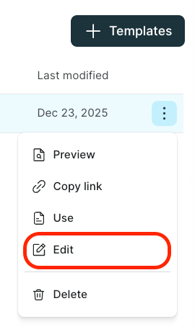
- Once uploaded, prepare the template by double-checking its contents. To do this, select more options and then click Edit to open it in Lumin PDF.
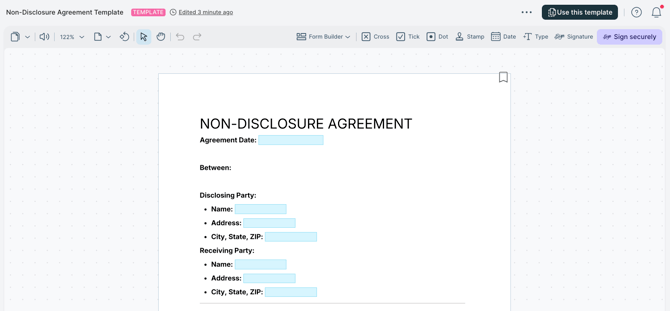
- In Lumin PDF, you may use the Form Builder to add fillable fields, signature fields, radio buttons and more.
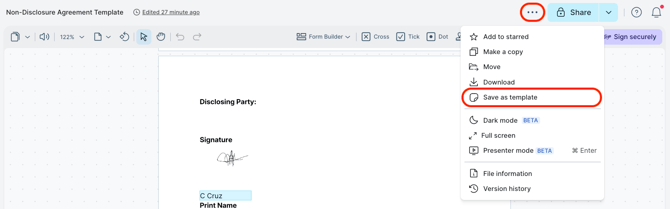
TIP: Convert existing templates already uploaded in Lumin by selecting more options, then clicking Save as template.