![Lumin_logo_header (1).svg]](https://help.luminpdf.com/hubfs/Lumin_logo_header%20(1).svg)
1. Open the document and stay on Annotate.
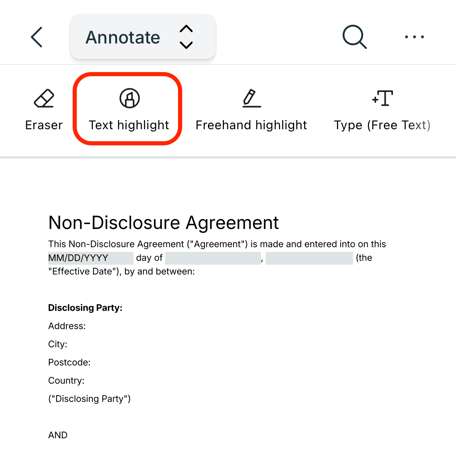
2. Select the Text Highlight button on the toolbar.
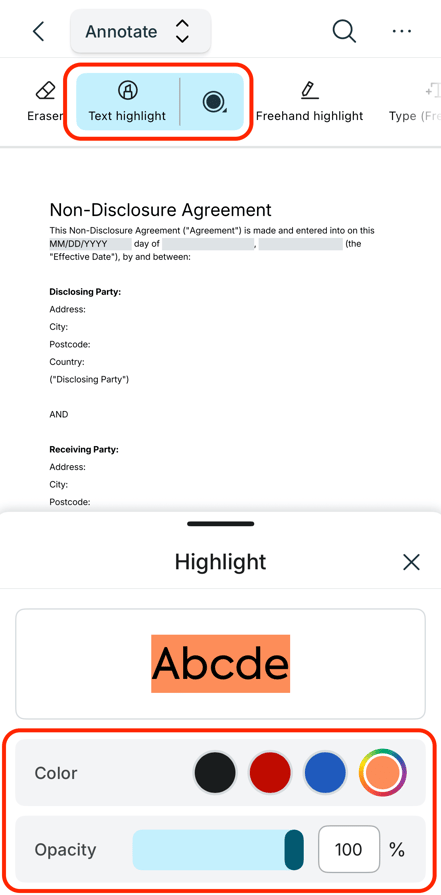
3. Choose the highlight color by clicking on the color circle.
2. Select the Text Highlight button on the toolbar.
3. Choose the highlight color by clicking on the color circle.
4. Drag your fingers/stylus over the text that you wish to highlight.

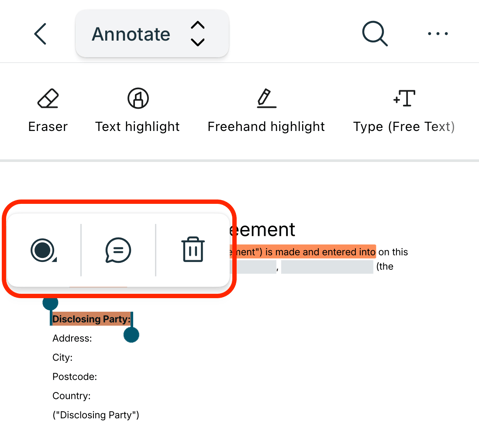
TIP: Click on the highlighted text to edit its style (color/opacity), delete it, or add comments to it.