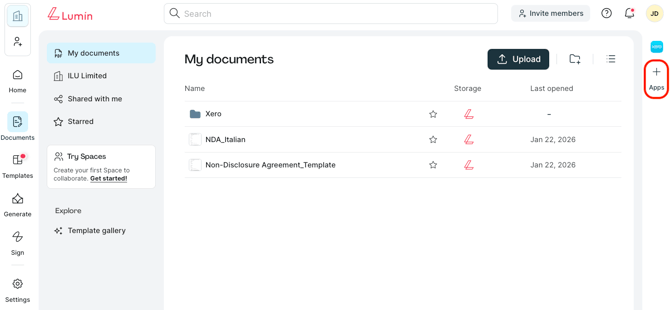
- From the Lumin home page, go to Documents.
- Then, select +Apps to open the Lumin Marketplace.
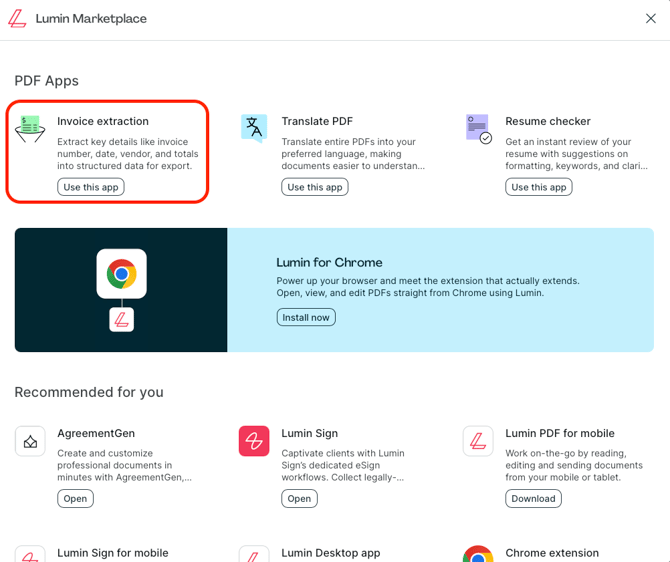
- Click the app you’d like to download to learn more about its features.
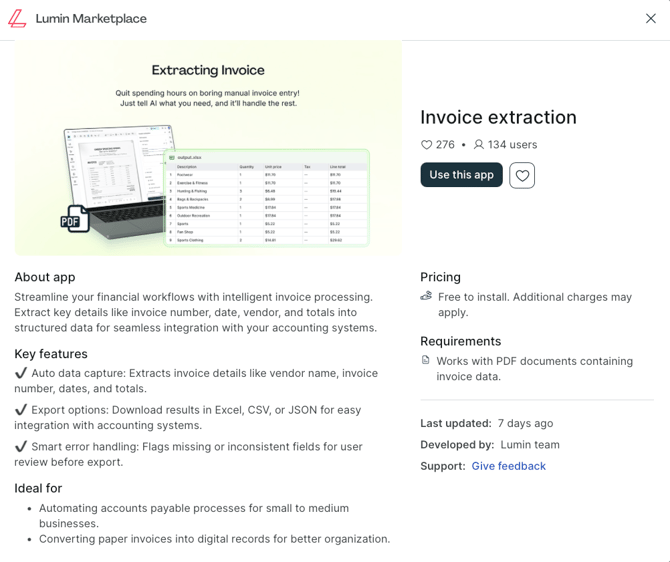
- Then, click Use this app.
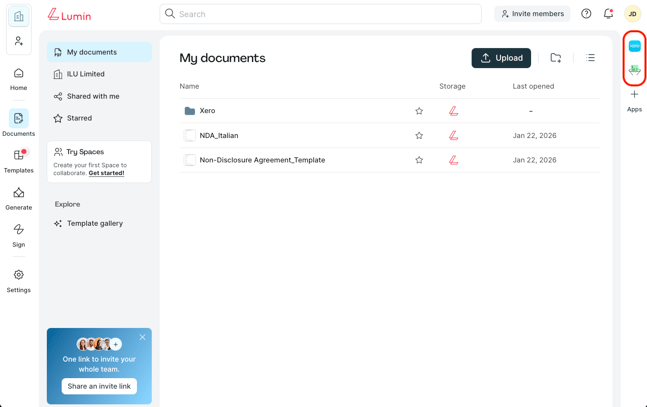
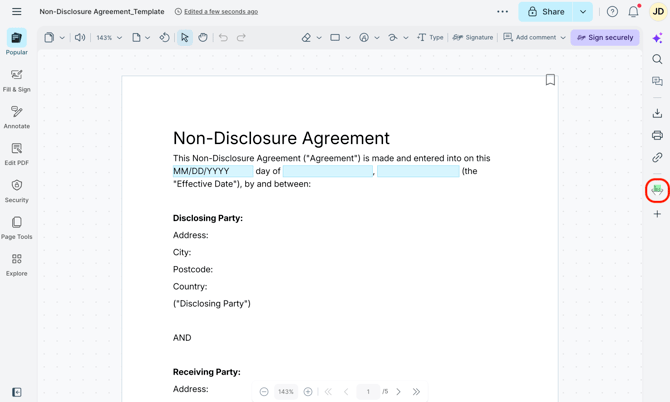
- Once the app is installed, it will be accessible from the document list and the editor:
- Document list view
- Editor view
- Document list view
English
![Lumin_logo_header (1).svg]](https://help.luminpdf.com/hubfs/Lumin_logo_header%20(1).svg)