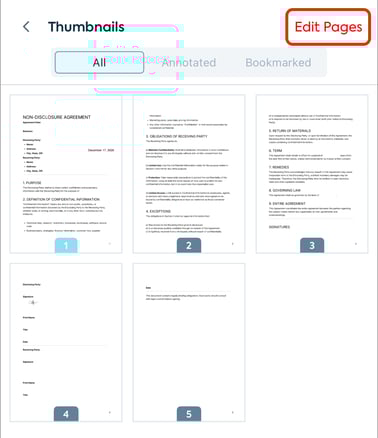
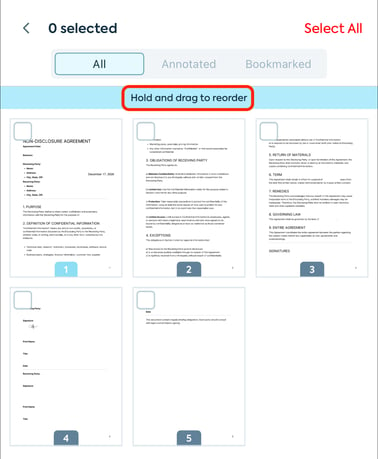
How do I move a page using the Lumin mobile app? Learn how to quickly rearrange, move, and organize pages within your PDF documents using the Lumin mobile app for iOS and Android. Click Pages category from the main menu bar. Select Edit pages. Then, hold and drag the page to its new location. Finally, click the back arrow button to save your changes.
![Lumin_logo_header (1).svg]](https://help.luminpdf.com/hubfs/Lumin_logo_header%20(1).svg)
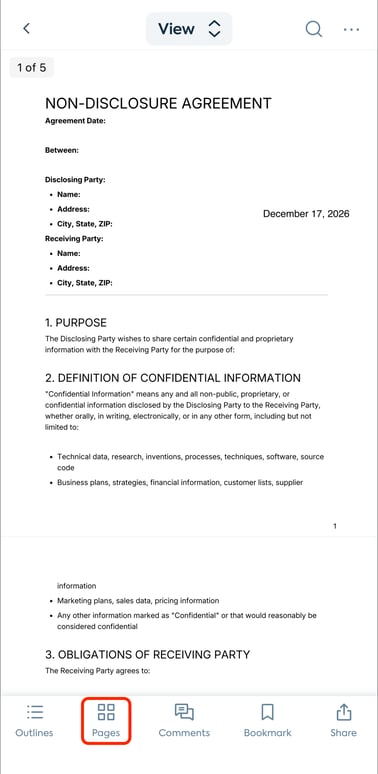 Select Edit pages.